Lip Sync
Best when mouth timing should follow the vocal closely.
Open this setupTurn the hook, verse or beat you want people to remember into a short AI music video. Add one or two photos, choose how the performance should move, and build the visual around your own audio.
Paid-credit videos have no watermark. Use only audio and photos you have permission to use.

A clear vocal needs tighter mouth timing. A beat or finished mix gives the performance more room. Two portraits need a shared stage.
Best when mouth timing should follow the vocal closely.
Open this setupBuilds a one-person performance around the selected excerpt.
Open this setupPuts two separate portraits into the same scene and shared track.
Open this setupStart close to the hook, punchline or beat change. A short visual is strongest when the chosen audio reaches its point before the viewer scrolls.
These unedited results show scene and performance quality. They do not imply which audio source was used in each original generation.
15 s · 540 × 960
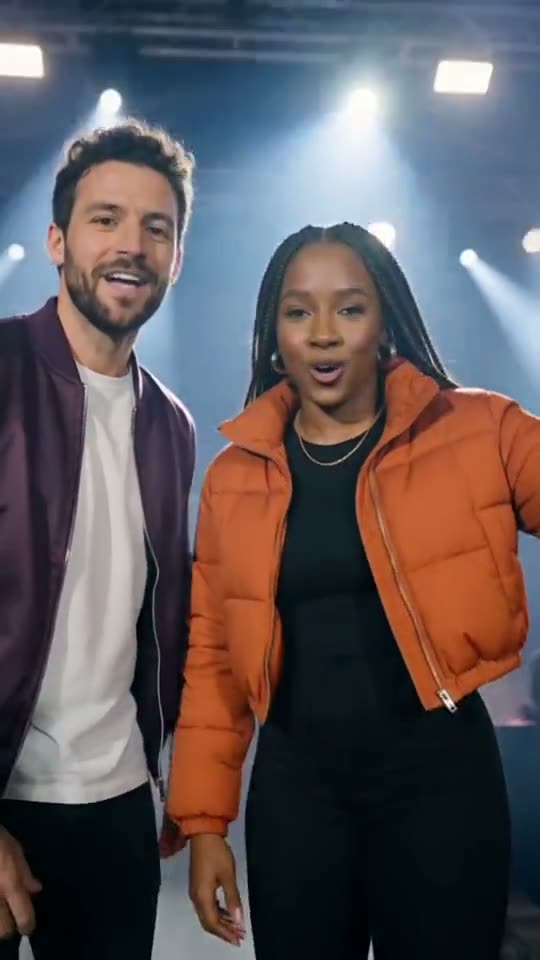
15 s · 540 × 960
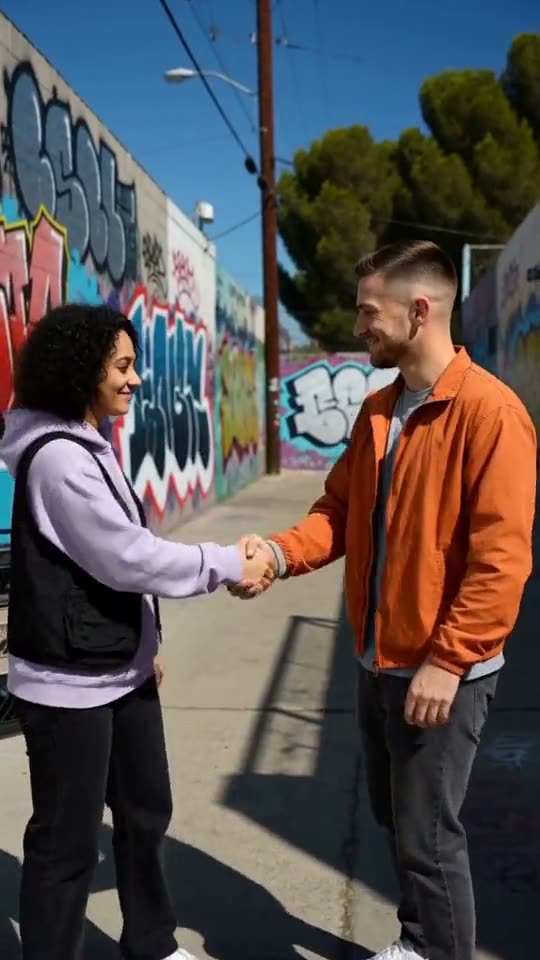
15 s · 540 × 960
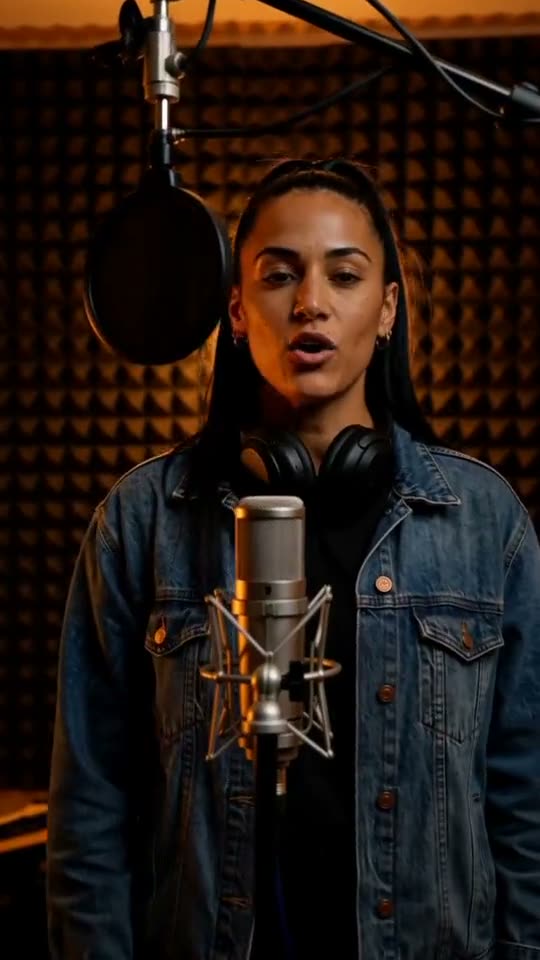
15 s · 540 × 960
Use the hook or verse that reaches its point quickly. Trim the audio before generation instead of uploading a long intro.
Choose Lip Sync for a clear vocal, Rap Clip for one performer over a beat, or Rap Duo for two people.
Use one clear portrait for Lip Sync or Rap Clip, or one portrait per person for Rap Duo. Keep faces unobstructed.
Choose scene, duration, frame and available quality. Review the credit total and rights notice, then generate the MP4.
Yes. Use Rap Clip or Rap Duo for a beat or finished mix. Lip Sync is most useful when the excerpt contains a clear vocal.
Studio accepts MP3, WAV and M4A. Use audio you own or have permission to include in the finished video.
An uploaded track can be used for a clip up to 60 seconds. Available durations and the exact credit total appear before generation.
Yes. Choose Rap Duo and upload one photo for each performer. Both people appear in the shared scene.
No. Videos made with paid credits do not receive the free-preview watermark. Results made only with free credits do.
Upload MP3, WAV or M4A.